
Fortune Gems 500 Screenshots
This visual tour moves from TaDa Gaming’s product page into the demo, then closes in on the main grid, special reel, status fields, controls and Wild rule. All 12 images come from first-party material captured on 18 July 2026, with the scope of each view stated alongside it.
Start at the first-party routes
Product page and demo gate
The product page identifies the game; the Play gate shows the separate demo route before its opening sequence begins.

This is the first-party route for the game’s identity and headline description. The page view does not verify RTP, operator licensing or a gameplay result.

The gate marks the transition from the loaded demo shell to its introductory screens. Nothing in this frame is a spin, payout or availability check at a casino.
Together, the views answer a basic navigation question: whether the reader is looking at TaDa Gaming’s product material or the provider’s demo.
What the routes do not establish
Neither route proves that a casino is licensed or available to a particular reader in the Philippines. The demo guide sets out the demo’s narrower role.
Follow the opening sequence
The desktop quick tip and portrait introduction show two opening states at declared viewport sizes.
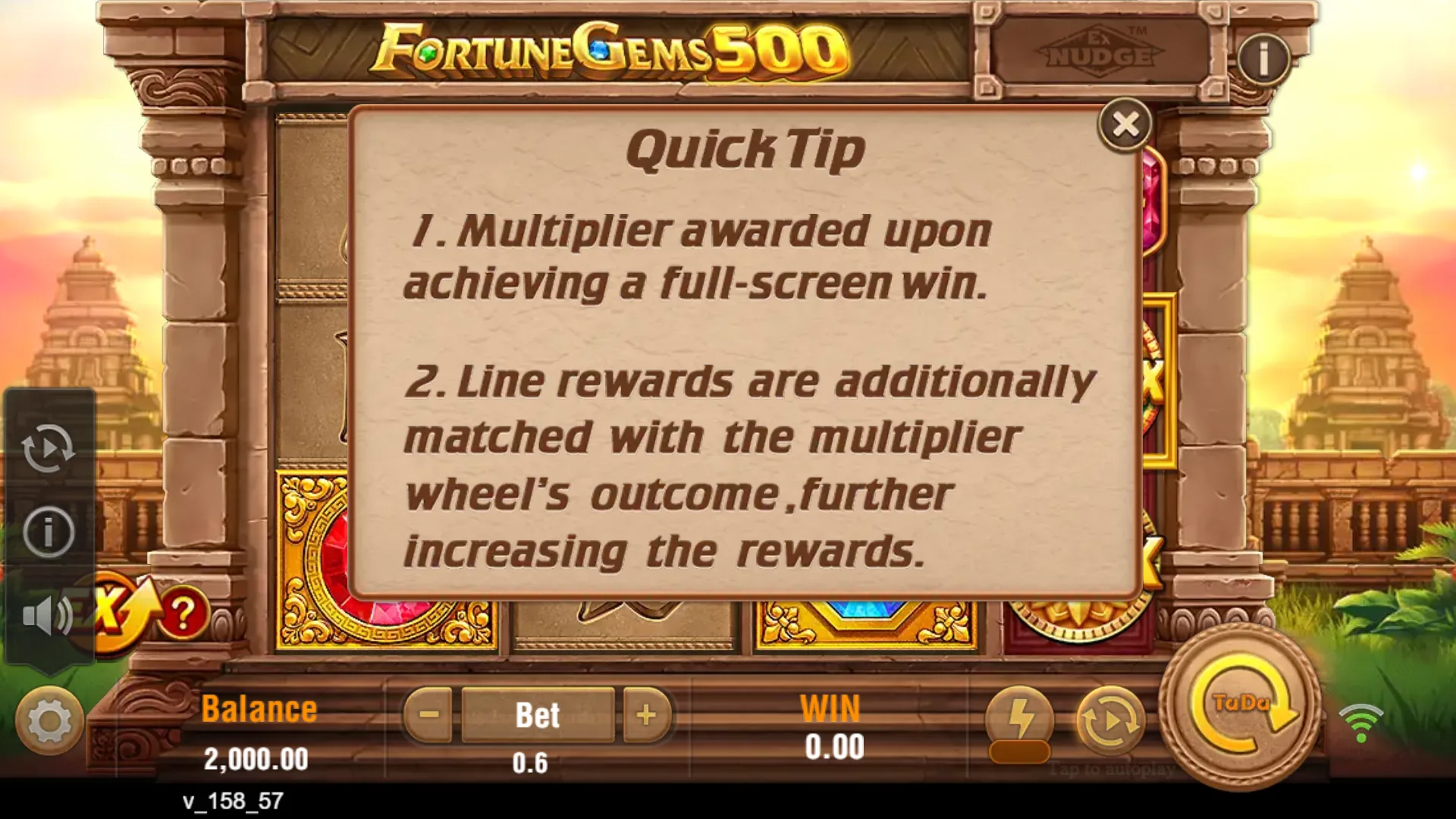
This intermediate screen gives the reader another identifiable stage in the demo opening sequence. A tip screen is guidance, not a complete rules document or probability statement.

The portrait composition keeps the introduction, LOW-MED label and Continue control visible. This frame does not establish an APK, real-device compatibility or operator access.
These opening states help readers recognise the interface before the reels appear. The portrait view shows browser-emulated reflow, not a real-handset test or an installable app. See the mobile access guide for the checks still outstanding.
Orient yourself on the main screen
Full frame and annotated map
The unmarked desktop frame preserves the original context, while the annotated version names the regions used in this publication’s reading order.
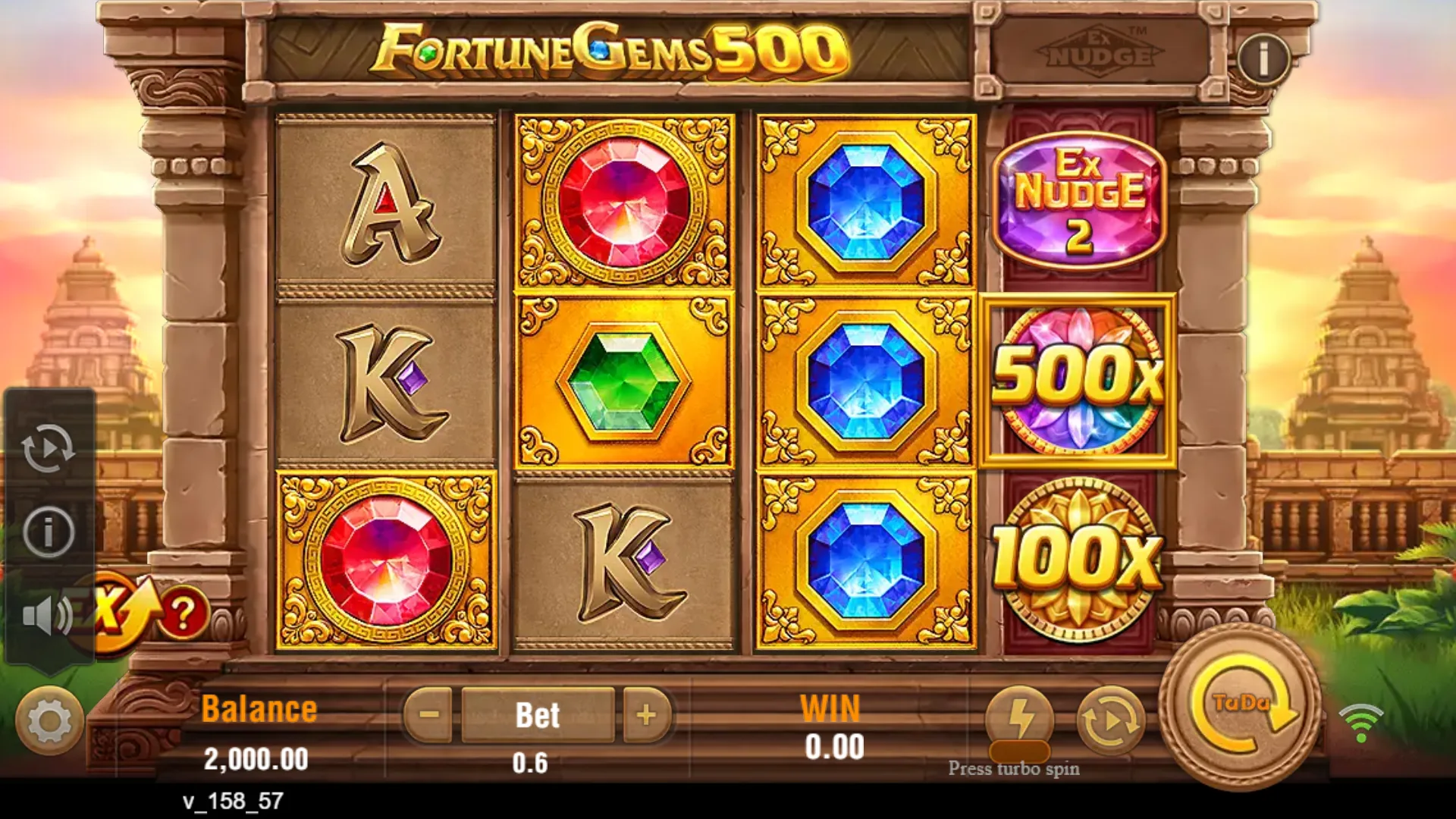
The full view shows how the 3×3 grid, special fourth reel, status fields and controls relate spatially. One idle state cannot establish RTP, feature frequency or a typical outcome.
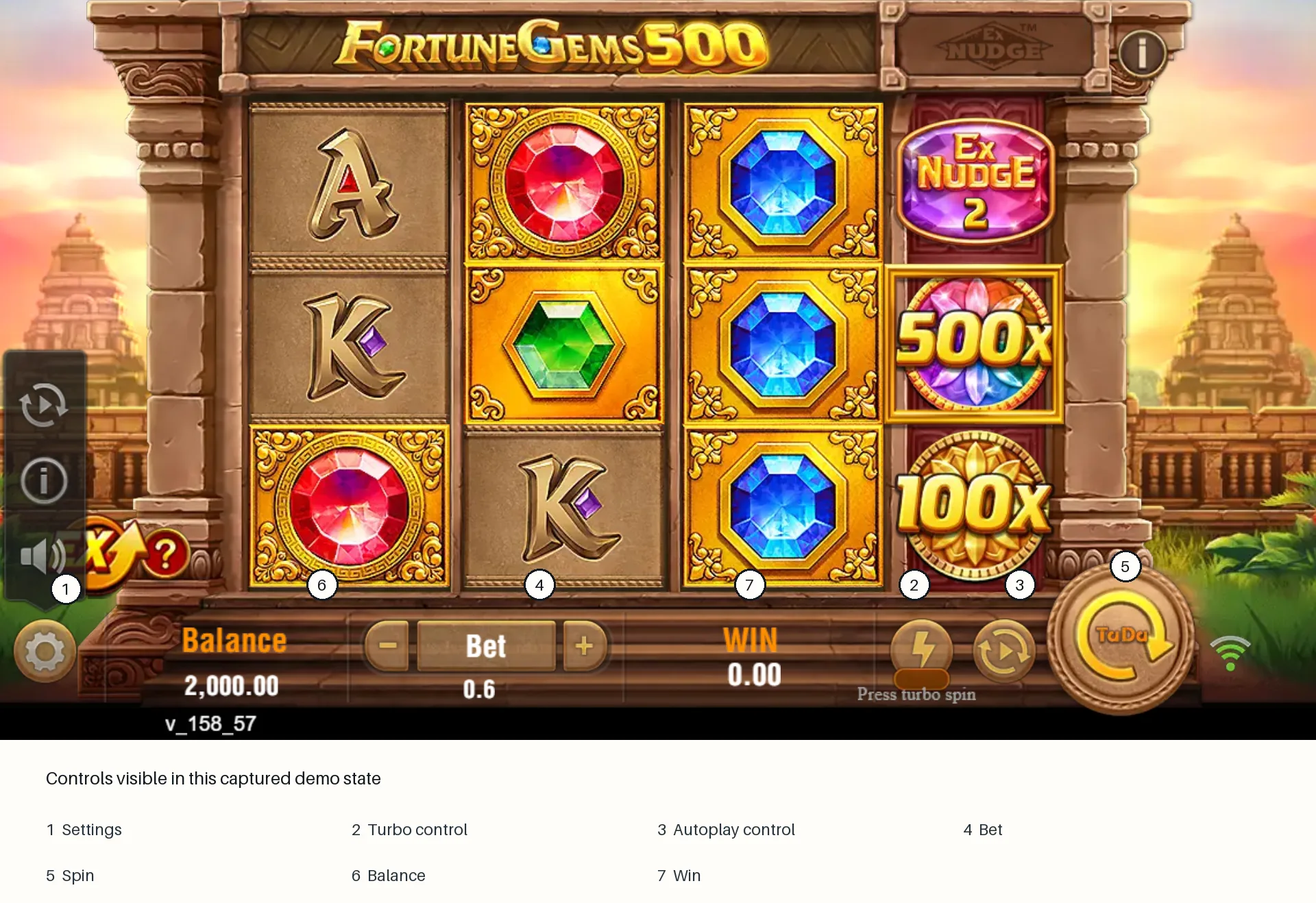
The labels connect each control and status area to a practical screen-reading task. Annotations are editorial guidance; they are not provider rule text and do not prove control behaviour.
The annotations direct attention to visible interface areas; they do not add rules or describe behaviour that the original frame cannot show.
A practical reading order
Start at Bet, distinguish the 3×3 result grid from the fourth reel, then check WIN and Balance after the animation settles. The screen-reading guide walks through that order.
Separate the two reel areas
These crops place the square main grid beside the tall special reel so the 3+1 structure is visually unambiguous.
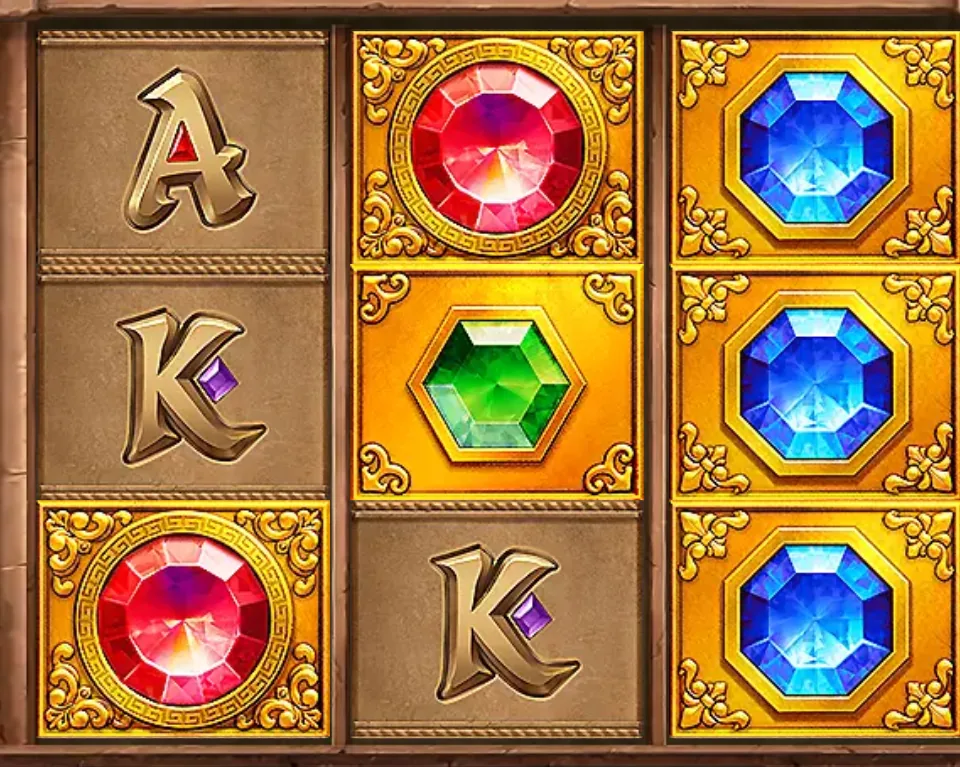
The crop isolates the primary result area so it is not confused with the special reel. A crop removes surrounding status information and cannot establish a settled payout by itself.

The narrow vertical zone is visibly distinct from the 3×3 main grid. The image does not disclose multiplier probabilities or the full mechanic.
The close views explain why “3+1” is more precise than describing five ordinary reels. They do not reveal line geometry, symbol values or multiplier probabilities. Those missing details remain explicit in the paytable status page.
Read cost and settlement fields
The status strip shows where cost and settlement are displayed; the rule crop shows what directly quoted in-game evidence looks like.

These fields are the useful checkpoints for cost and settlement when reading the interface. The captured values are illustrative interface state, not recommended stakes or cash results.

The crop makes the directly supported Wild sentence easier to read. The crop is not a complete help file, paytable or record of every possible condition.
These images have different jobs: Balance, Bet and WIN are interface checkpoints, while the Wild sentence states a rule. The displayed figures are not recommendations, and the crop says nothing about how often the rule affects a result.
Compare the Wild rule across widths
The full desktop panel and narrow browser-emulated panel preserve the same core Wild wording in different layouts.

The visible sentence states that the Wild appears on all reels and substitutes for all symbols. The panel does not disclose symbol values, Wild frequency or the complete paytable.
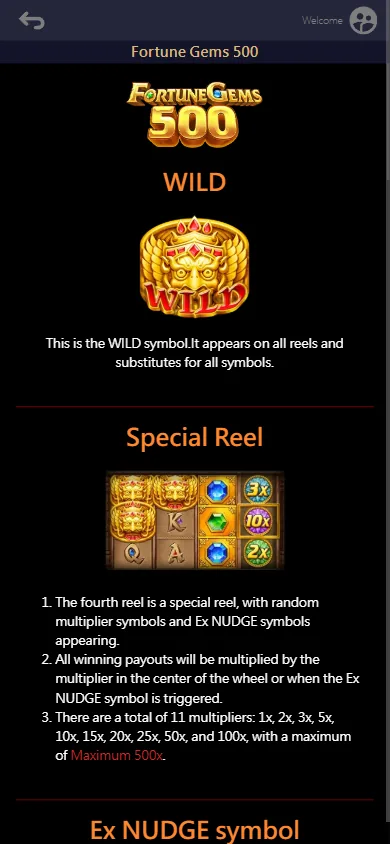
The narrow layout preserves the Wild wording and part of the Special Reel explanation. Browser emulation does not prove physical-device performance or touch behaviour.
The supported claim is deliberately narrow: the panel says the Wild appears on all reels and substitutes for all symbols. Neither view supplies payout values, frequency or a complete exception list. The symbols guide carries those limits with the rule.
What the tour cannot prove
Still images cannot verify randomness, RTP, feature frequency, a typical session, physical-device performance or casino legality. Their value lies in preserving visible states with dates and dimensions, not in turning a brief demo visit into a statistical test. The testing method explains those boundaries.
The complete tour includes every published production asset once: seven full route or viewport captures, four focused evidence crops and one annotated interface map.